


How to Split a PDF: The Complete Guide to Separating Pages Quickly and Safely
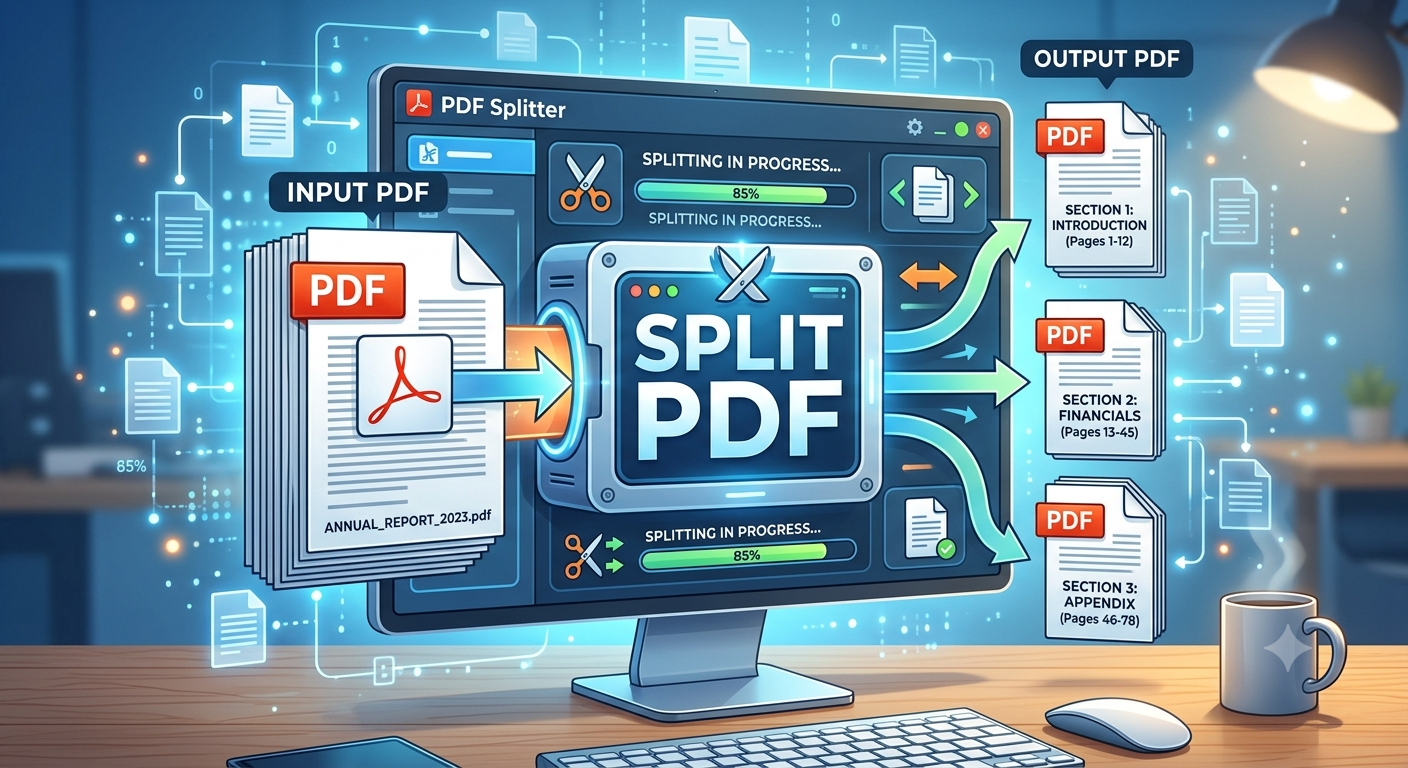
Whether you're pulling one chapter out of an e-book, sending a single invoice from a batch of scanned receipts, or breaking a massive report into shareable sections, splitting a PDF is one of the most common and most useful document tasks. Yet many people still don't know it can be done in seconds, without expensive software or complicated steps.
This guide walks through what PDF splitting actually does, why it matters, and how to do it the right way depending on your needs.
What Does It Mean to "Split a PDF"?
Splitting a PDF means taking one multi-page document and dividing it into two Split a PDF or more separate PDF files. Instead of sending an entire 50 page contract when someone only needs page 12, you extract that page into its own file. Instead of storing a scanned bundle of 20 different receipts as one unwieldy document, you separate each receipt into its own PDF for easier filing and searching.
There are generally three ways people split PDFs:
- Extracting a single page or range pulling out pages 5–10 from a larger document.
- Splitting into equal parts breaking a 100-page file into ten 10-page files.
- Splitting at custom breakpoints dividing a document wherever a new section, chapter, or invoice begins.
Why People Need to Split PDFs
The need to split a PDF comes up more often than most people expect:
- Sharing only what's relevant. Sending a full 200-page manual when someone needs one chapter is inefficient and can expose information that shouldn't be shared.
- Email attachment limits. Large PDFs often exceed email size restrictions. Splitting a file into smaller chunks makes it easier to send.
- Organizing scanned documents. A single scanning session often produces one long PDF containing multiple separate documents invoices, forms, or ID copies that need to be filed individually.
- Simplifying editing and review. Reviewers often find it easier to comment on a 10-page section than scroll through an entire report.
- Meeting submission requirements. Some online forms, application portals, or academic submission systems require documents to be under a certain page count or file size.
How to Split a PDF: Step-by-Step
While the exact interface varies depending on the tool, the general workflow for splitting a PDF looks like this:
- Upload or open your PDF file in the splitting tool of your choice.
- Choose your split method:
- Extract specific pages (e.g., pages 3, 7–9)
- Split every N pages
- Split at a custom point you select manually
- Preview the pages to confirm you're separating the document correctly.
- Run the split. The tool generates new, independent PDF files based on your selections.
- Download the results, either as individual files or as a zipped folder if you created multiple documents at once.
Most modern online tools complete this process in a matter of seconds, even for documents with hundreds of pages.
Online Tools vs. Desktop Software vs. Command Line
There are three common approaches to splitting PDFs, and the right one depends on your comfort level and how often you need to do it.
Online PDF splitters are the fastest option for occasional use. You upload a file, select your split settings, and download the result no installation required. This is ideal for one off tasks.
Desktop PDF software (such as Adobe Acrobat or other PDF editors) is worth it if you're doing document management regularly and want additional features like merging, compressing, or editing PDFs in the same tool.
Command-line tools (like pdftk or Python libraries such as PyPDF2 and pikepdf) are best for developers or anyone who needs to automate splitting across dozens or hundreds of files as part of a workflow or script.
Tips for Splitting PDFs Cleanly
- Check page numbers before splitting. PDF viewers sometimes display a cover page or blank page as "page 1," which can throw off your intended split point.
- Rename files clearly. After splitting, rename each file descriptively (e.g.,
invoice_march_2026.pdf) rather than leaving generic names likeoutput1.pdf. - Preserve formatting. A good split tool keeps the original layout, fonts, and image quality intact nothing should look different in the separated files compared to the source document.
- Watch for security settings. If the original PDF is password-protected or has editing restrictions, you may need to unlock it first before it can be split.
- Keep a backup of the original. Always retain the full, unsplit document in case you need to reference the complete file later.
Is Splitting a PDF Safe for Sensitive Documents?
If your document contains sensitive information financial records, legal contracts, or personal data it's worth being selective about which tool you use. Reputable online PDF tools typically process files securely and delete them from their servers after a short period, but if privacy is a major concern, using offline desktop software or a local script keeps everything on your own device with no upload required.
Also Check Out : Multiconverters
Final Thoughts
Splitting a PDF is a small task with a big payoff: cleaner file organization, easier sharing, and less friction when working with large documents. Once you know the basic options extracting pages, splitting into equal sections, or dividing at custom points you can handle almost any PDF splitting need in under a minute, using whichever tool best fits how often you do it and how sensitive your files are.

 English
 Arabic
 French
 Spanish
 Portuguese
 Deutsch
 Turkish
 Dutch
Dutch
 Russian
 Romaian
 Portuguese (Brazil)
 Greek
Greek